






I picked this one up via my AKS Docs Tracker over the weekend. A brand new article, Use the Upgrade Insights API in AKS (preview), appeared on Microsoft Learn, and it describes something I’ve wanted for a long time. A proper dry run for AKS upgrades.
There’s a catch though. The docs tell you to use az aks upgrade-insights from the aks-preview extension, but at the time of writing those commands don’t exist in any released version. The CLI work is still sitting in an open pull request, Azure/azure-cli-extensions#10553. It looks like the docs have landed a little ahead of the tooling. Maybe they were just trying to beat me to it.
So this post covers what Upgrade Insights is, how it’s going to work based on the docs and the PR, and what to keep an eye on so you can try it the moment it ships.
Why this matters
Most AKS upgrade pain isn’t the upgrade itself. It’s the thing you didn’t know about until the upgrade was halfway through. A pod disruption budget (PDB) with maxUnavailable: 0, a subnet with no room for surge nodes, or a VM quota that’s one core short.
You can find all of these today, but only by checking them yourself or by kicking off an upgrade and watching it fail. Neither is great when you’re inside a maintenance window.
Upgrade Insights lets you ask AKS “would this upgrade work?” before you start it. It’s a pre-upgrade assessment only. It doesn’t change the cluster, reimage nodes, or move anything towards the target version. You get back a Passed, Warning, or Failed result, plus the issues it found and what to do about them.
What it checks
The docs list eight checks, split across the control plane, node pools and node images.
| Scope | Check | What it catches |
|---|---|---|
| Control plane | Kubernetes version support | Cluster is already outside its support window |
| Control plane | Removed Kubernetes APIs | Workloads relying on APIs that disappear in the target version |
| Control plane | Component compatibility | Add-ons or system components that need updating first |
| Node pool | Pod disruption budget | PDBs that will block node drain |
| Node pool | Subnet IP availability | Not enough IPs for surge nodes |
| Node pool | Compute quota | Not enough VM quota for surge capacity |
| Node pool | Kubernetes version skew | Pool target newer than the control plane |
| Node image | Image upgrade interval | Node image older than its required interval |
None of these are new problems. What’s new is AKS checking them for you, against a specific target version, in one call. The PDB, subnet and quota checks are the ones I see bite people most often, so having those surfaced up front is a big win.
How it will work
Once the CLI support ships, you’ll need Azure CLI 2.85.0 or later, the aks-preview extension, and the AKSUpgradeInsightsPreview feature flag registered on your subscription. Installing the extension on its own isn’t enough.
The feature flag part works today, so you can get it out of the way now.
|
1 2 3 |
az feature register --namespace "Microsoft.ContainerService" --name "AKSUpgradeInsightsPreview" az feature show --namespace "Microsoft.ContainerService" --name "AKSUpgradeInsightsPreview" --query properties.state az provider register --namespace "Microsoft.ContainerService" |
Wait for the state to show Registered before refreshing the provider. It usually takes a few minutes.
You’ll also need two RBAC actions on the cluster. Microsoft.ContainerService/managedClusters/generateUpgradeInsights/action to request an evaluation, and Microsoft.ContainerService/managedClusters/upgradeInsights/read to read stored ones. Worth knowing if you plan to run this from a pipeline identity with a custom role.
Evaluating an upgrade
There are two command groups. az aks upgrade-insights works at cluster level and az aks nodepool upgrade-insights works on a single pool. The cluster command defaults to evaluating the control plane and every node pool together, which is the one I’d reach for first.
This checks whether the whole cluster is ready to move to Kubernetes 1.37.1.
|
1 2 3 4 5 6 7 8 9 10 |
RESOURCE_GROUP=rg-aks-lab CLUSTER_NAME=aks-lab az aks get-upgrades --resource-group $RESOURCE_GROUP --name $CLUSTER_NAME --output table az aks upgrade-insights create \ --resource-group $RESOURCE_GROUP \ --name $CLUSTER_NAME \ --target-kubernetes-ver 1.37.1 \ --output yaml |
Run az aks get-upgrades first so you’re asking about a version that’s actually available. The docs show a result like this when a PDB is going to get in the way.
|
1 2 3 4 5 6 7 8 9 10 11 12 13 |
controlPlane: evaluation: detectedIssues: - issueType: PDBConstraint message: 'The operation is blocked by one or more unsatisfiable Pod Disruption Budgets (PDBs) that can prevent node drain. Blocking PDB details: PDB storefront/checkout-api: spec.maxUnavailable=0 permits no unavailable replicas ...' severity: Blocking status: Failed agentPools: - agentPoolName: nodepool1 evaluation: status: Passed |
That’s exactly the kind of message I want. It names the namespace, the PDB and the field causing the problem, so you know where to look. Each issue also includes a recommendedActions array with a docs link.
If you only care about one pool, or you want to check node image readiness, use the node pool command instead. Leave out --target-node-image-ver and it evaluates the latest available image.
|
1 2 3 4 5 6 |
az aks nodepool upgrade-insights create \ --resource-group $RESOURCE_GROUP \ --cluster-name $CLUSTER_NAME \ --name userpool1 \ --upgrade-type NodeImage \ --output yaml |
You’ll get the same Passed, Warning or Failed shape back, scoped to that one pool. Swap --upgrade-type NodeImage for --target-kubernetes-ver to check a pool’s Kubernetes upgrade instead.
Reading stored insights
Every evaluation is stored as an insight you can read back later with list and show. That’s handy for change approval or for a pipeline that wants to check the last result without generating a new one every run.
|
1 2 3 4 5 6 7 |
az aks upgrade-insights list --resource-group $RESOURCE_GROUP --name $CLUSTER_NAME --output yaml az aks upgrade-insights show \ --resource-group $RESOURCE_GROUP \ --name $CLUSTER_NAME \ --insight-name controlPlaneAndAgentPools-1.37.1 \ --output yaml |
The list shows every stored insight for the cluster, including pool and node image ones, with names like controlPlaneAndAgentPools-1.37.1. Just remember an insight is a snapshot. Reading it doesn’t refresh it, and it can expire or disappear after cluster changes. If you’ve fixed something, generate a new one.
Things to watch for
A few things stood out reading through the docs and the PR.
A missing pool isn’t a passing pool. If a pool is missing from a combined result, or shows as NOT EVALUATED, it wasn’t checked. The PR goes out of its way to make the CLI output say so explicitly rather than quietly reporting the whole thing as passed. I like that, and it’s worth building into any automation you write around it.
A successful command isn’t a passing result. The create call can succeed and still return Failed. If you wire this into a pipeline, check status in the output, not the exit code.
It rolls out region by region. AKS ships releases using safe deployment practices, so new releases land one region at a time rather than everywhere at once. You can see this in the PR too. eastus2 was still serving an older stub implementation during testing, so the live tests ran in eastus2euap, the canary region, instead. Even once the CLI is out, the backend might not have reached your region yet. Check the AKS release tracker to see which AKS release and Kubernetes versions your region has. That’s also handy for making sure the target version you want to evaluate is actually available there.
It’s an extra signal, not a guarantee. The docs are clear that a pass doesn’t promise the upgrade will succeed. Keep doing your normal health checks. This just catches the predictable stuff earlier.
Keeping an eye on the release
Right now the latest aks-preview release is 22.0.0b16, and upgrade-insights isn’t in it. You can check what you’ve got installed and whether the commands are there with a couple of quick commands.
|
1 2 3 |
az extension update --name aks-preview az extension show --name aks-preview --query version --output tsv az aks upgrade-insights --help |
If the last command complains that upgrade-insights isn’t a valid command, the release hasn’t landed yet. Once it has, you’ll see the create, list and show subcommands.
To catch it when it ships, watch Azure/azure-cli-extensions#10553 for the merge, then keep an eye on the aks-preview release history for a version that includes az aks upgrade-insights create/show/list. Merged doesn’t mean released, so the release notes are the one that really counts.
This is also a good example of why I built the AKS Docs Tracker. It watches the AKS docs and summarises what’s changed each week, and new articles like this one often show up there before there’s any announcement. If you want an early heads-up on preview features, it’s worth bookmarking.
Wrapping up
Upgrade Insights gives you a dry run for AKS upgrades. Point it at a target version and it tells you about blocking PDBs, subnet exhaustion, quota gaps, removed APIs and version skew before you’re halfway through a maintenance window.
I haven’t been able to run it end to end yet because the CLI isn’t out, so treat everything here as based on the docs and the PR. I’ll update this post once I’ve had it on a real cluster. It’s a preview, so keep it to dev and test for now, but I can see this becoming a standard step in upgrade pipelines. Generate an insight, fail the pipeline on Failed, fix, re-run, then upgrade.
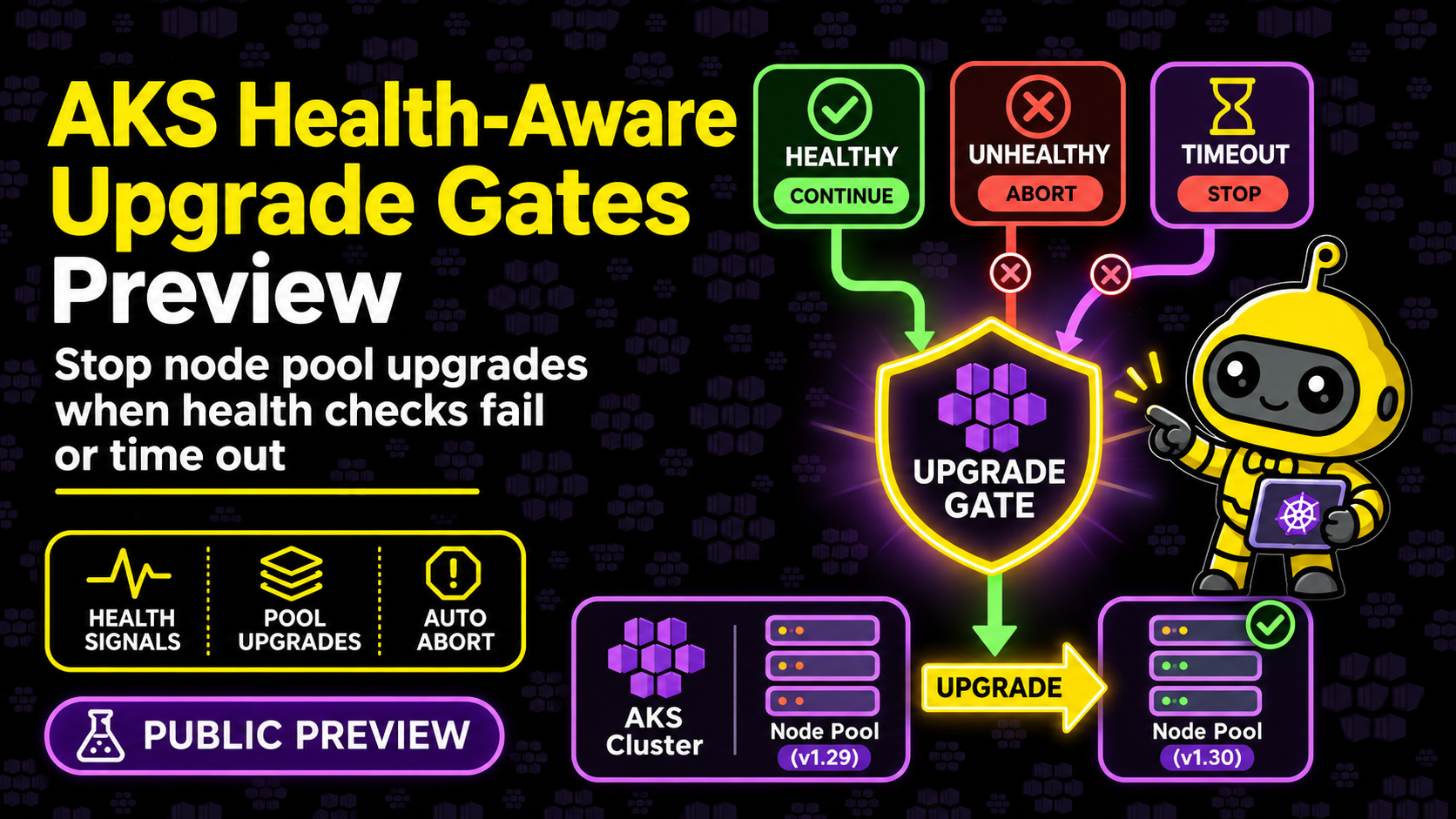
Where I’d like to see it go next is an option to have az aks upgrade run this automatically and refuse to start on a blocking issue. Pair that with the health-aware upgrade gates I looked at recently and you’ve got checks before and during the upgrade, which is a really nice place for AKS to be heading.
If you get to try it once the CLI ships, let me know how it goes.

0 Comments